News Contacts are individuals listed as either story authors or media contacts. Their names can be linked to pages, including biographies and contact information, enabling readers to find out more information about the story.


Template Data
First Name (single-line text)
- Required field.
- Note: This is the first name that will display in Author or Media Contacts.
Middle Name (single-line text)
- Optional field.
Last Name (single-line text)
- Required field.
- This field controls alphabetical sorting of users by name.
- This is the last name that will display in Author or Media Contacts.
Display Name (single-line text)
- Required field.
- Future use case: When News Contact profile pages are created, this Display Name field will control how names display on the page.
Prefix (single-line text)
- Optional field.
Suffix (single-line text)
- Optional field.
Pronoun (droplist)
- Optional field but strongly encouraged as best practice.
- Options: He, She, They
- The full string of appropriate pronouns will display on the front end (i.e., he/him, she/her, they/them)
Pronoun Override (single-line text)
- Optional field.
- Users who prefer an alternative appropriate pronoun set may enter their pronouns in this field.
- Text in this field will override any setting in the Pronouns field.
Net ID (single-line text)
- Optional field.
- Any user added who has an MSU Net ID should include the ID here.
Instructions for Use
To add a new News Contact in Content Editor:
- Expand the MSU node, the website node and the Data folder.
- Right click on News Contacts.
- Click Insert and News Contact.
- Enter a name for the News Contact.
- Fill in the fields on the News Contact page.
- Click Save.
- Click Submit on the Review tab to submit to the publishing workflow queue.
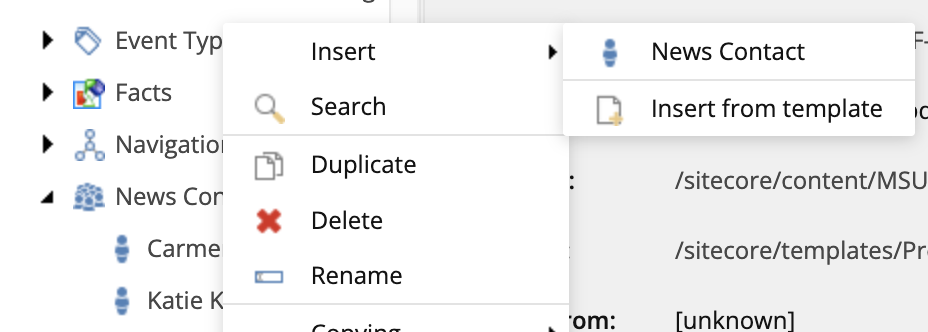
Image Specifications
Sketch Link: News Contact
News Contact Image
- Desktop – Width: 310px | Height: 310px
- Mobile – Width: 212px | Height: 212px
- Recommended size – Width: 300px | Height: 300px
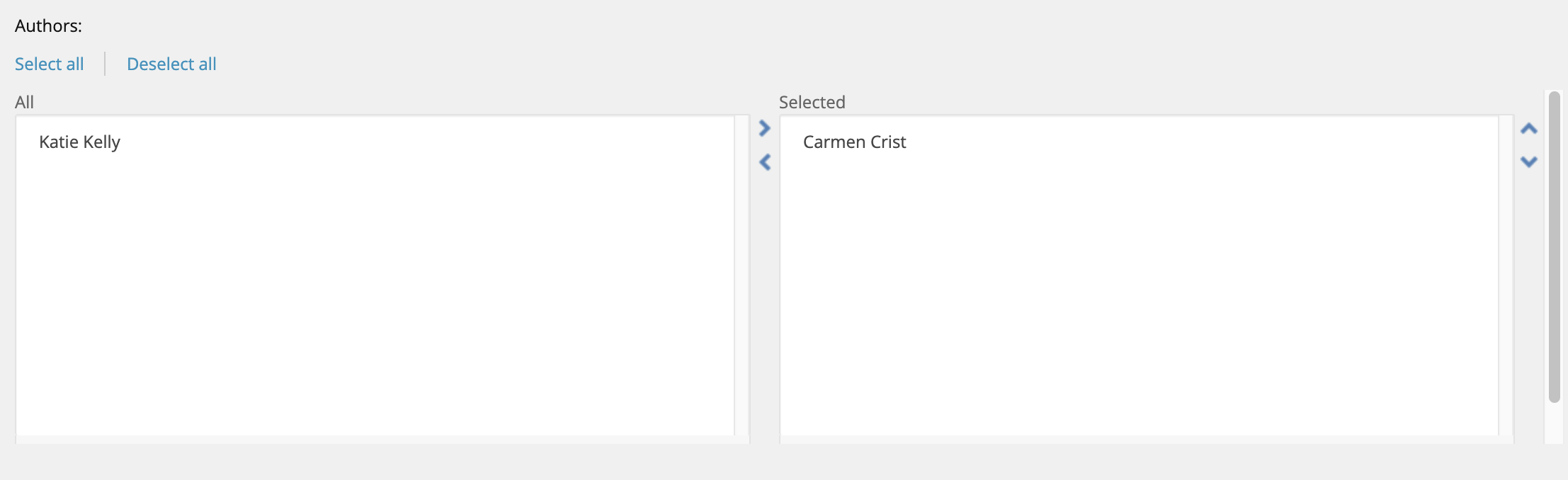
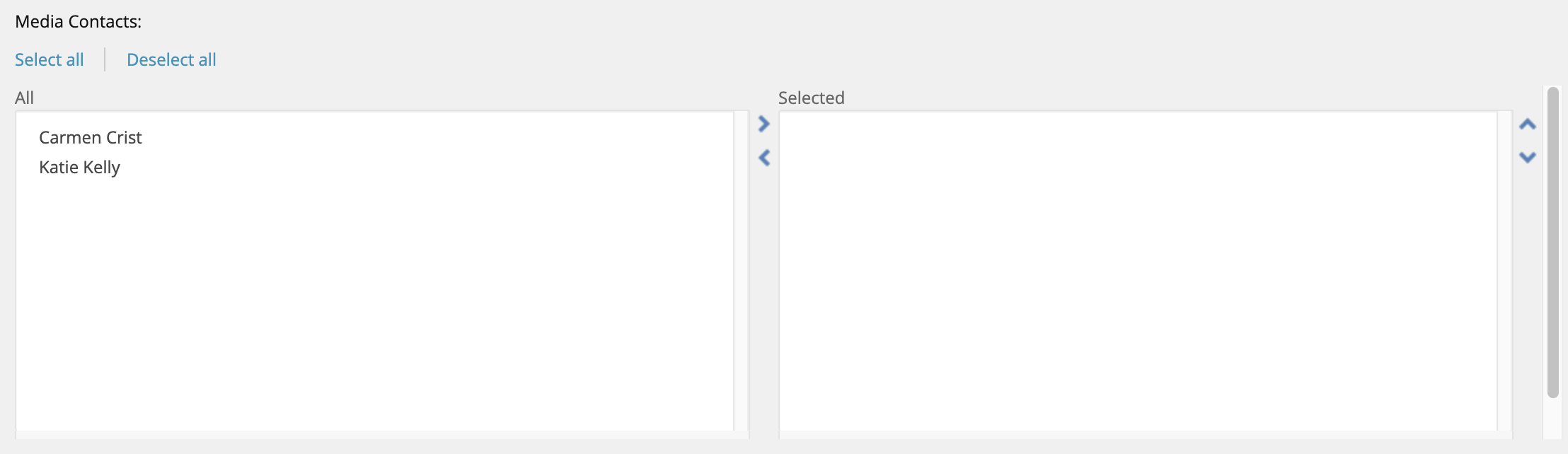
Note: Currently, this field does not impact display of the News Contact name in Author or Media Contacts on a story page. Enter the first and last names as they should be displayed in those respective fields.