Sprinklr Update
Reminder: Sprinklr Data Retention Change
Sprinklr has notified MSU that they are changing their data retention practices. Moving forward, Sprinklr will allow for 12 months of rolling data retention, effective September 16.
Sometime after that date, all data older than 12 months will be removed from the system. The exact date has not yet been communicated to MSU. Users are encouraged to export any older data that they wish to retain before Sept. 16.
Best Practices & News
- IG shares caption writing tips: Writing the perfect Instagram caption is both an art and a science, and Instagram recently published some tips to help you draft the best possible copy. TLDR: use a hook in the first lines, make the text scannable, try to use keywords, tell a story, and end with a clear call to action.
- YouTube is changing how it counts views: An important update for anyone tracking analytics on YouTube, the video sharing platform is changing how it counts a view to align across all content types. As of Aug. 24, a view will be counted the moment a video begins to play from the very first frame.
- Building a content strategy that audiences value: We loved this opinion piece from Michael Kaye that offers insights on how brands can use original content to build a loyal audience instead of trend hopping.
- IG launched a new auto-editing video tool: Instagram's new First Draft tool can help you get started on creating videos using multiple clips. Select your clips and with one tap, IG will create a rough draft for you to work from.
Three New Content Ideas to Try
- 10 photos to: We love this evergreen hook that tells audiences exactly what to expect from a post in terms of length and vibe.
- This was created before: Frame your next throwback post by adding a timely and contextual hook. We liked this pre-social media version from Minnesota, and have also seen a pre-AI version from accounts like PBS.
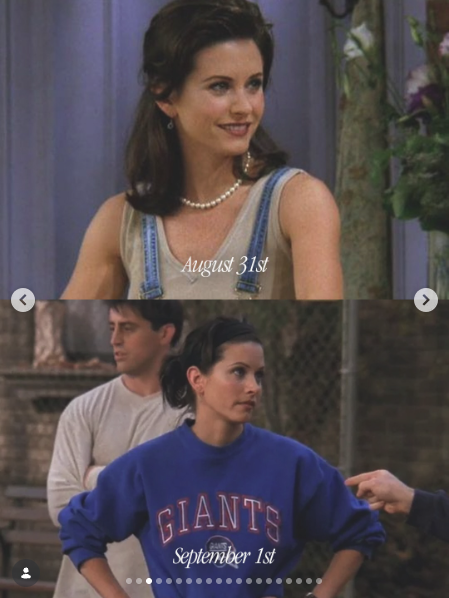
- Month change graphics: We saw a lot of accounts mark the change from August to September with split screen graphics, and think October 1 will provide another opportunity to highlight the change in season (and the spooky vibes.)
Two Accounts to Watch
We all need inspiration. Here are a few accounts that may spark new ideas. 💡
- Washington State Department of Transportation: WSDOT has mastered sharing informative content in a way that is sure to stop your scroll, all while staying relevant to their mission. We also love their employee participation in content, from silly to heartfelt.
- Actually Away: Recently launched by Away luggage, this new account reimagines and recreates real travel stories. As more brands lean into this original content and creative approach, we're interested in seeing how dedicated storytelling accounts like this perform.
What We're Reading
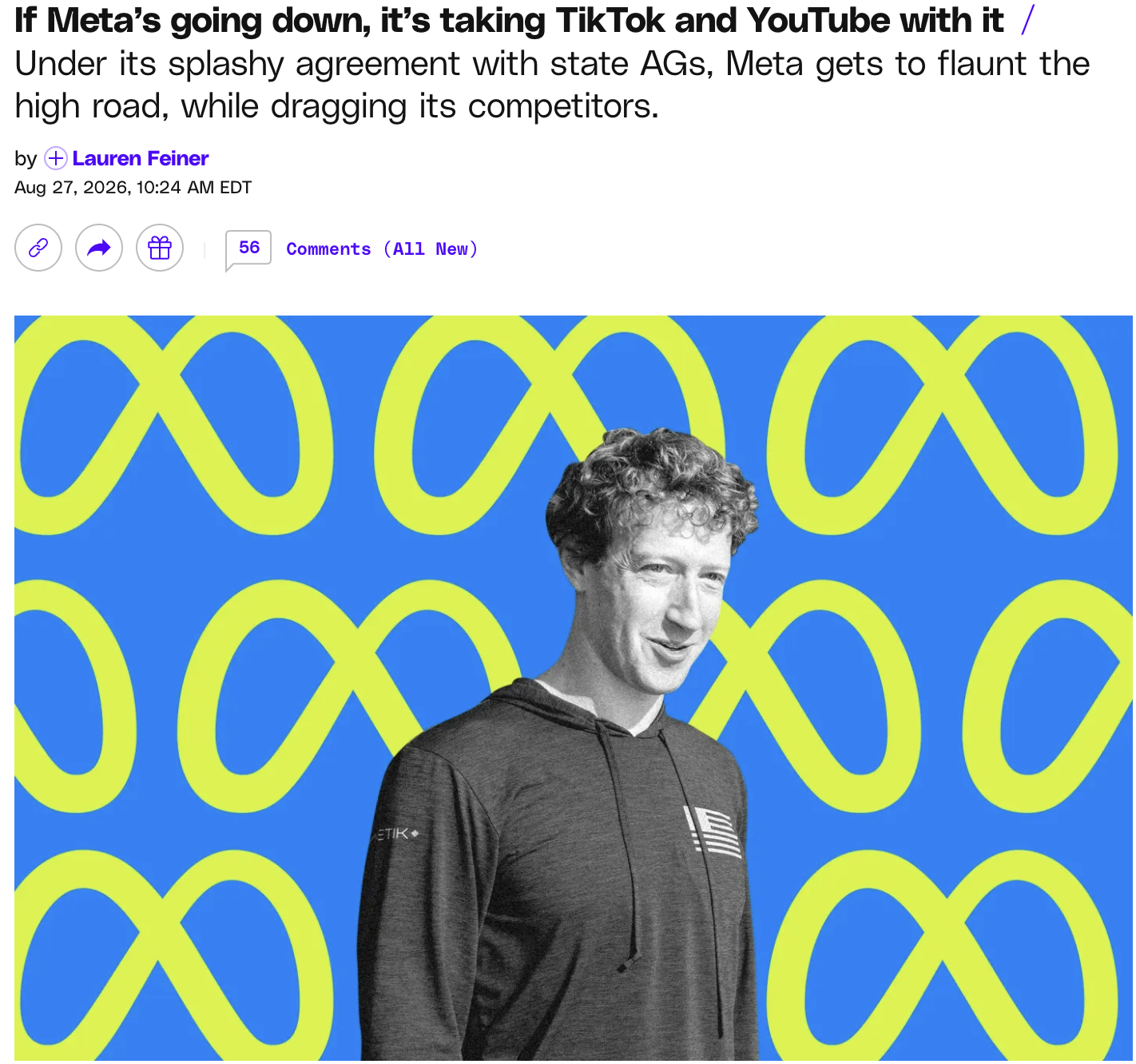
Meta settled a massive lawsuit regarding teen safety recently, and their public response was... interesting. If you also read Meta's open letter to YouTube and TikTok and scratched your head, we'd recommend checking out this article from The Verge that takes a deeper dive into the possible strategy behind the settlement.
Resources We Love
- Welcome to State events round up: Still obsessed with this one-stop shop for all campus events through homecoming weekend. Shout out to the Student Affairs crew for getting this awesome resource published.
- Cool shiny cultural moments calendar: Staying up to date on all the pop culture happenings is a full time job. This Google calendar will help keep you in the loop on all (scheduled) cultural moments.
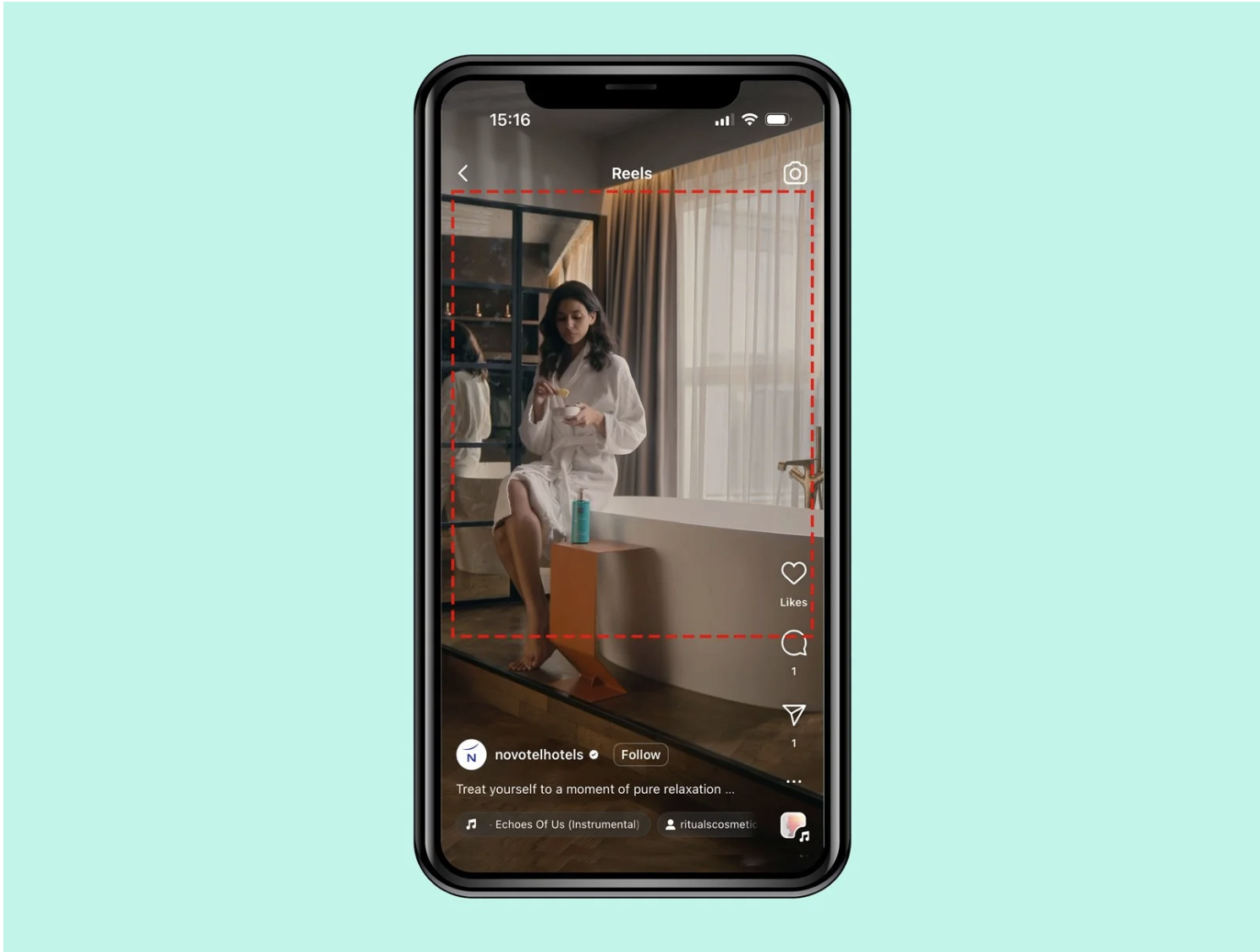
- Reels safe zone template: If you've ever gone to publish your carefully sized Reel just to find that some key components get cut off, you're not alone. This template helps guide where to place content to prevent it from being hidden.
Food for Thought: AI Edition
Discourse around AI seems to be at an all-time high; Americans are reporting more unease around the technology, with concern trumping excitement for the first time for those under 30. From a social perspective, LinkedIn's "AI slop" button has already been used more than one million times, and Instagram is working on updating tags for AI profiles to make them more clear.
On the flagship MSU channels, we've seen a strong dislike for AI in our content — and have also had several instances where we had to correct people when they assumed AI was used for a post. At this time, we're trying to avoid generative AI in our content, but we recognize other units may have other needs and interests around AI.
If you want to explore using AI in your social content, be sure to check out UCAM's guidelines and listen to feedback from your audience after posting.
Campus Shout-Out
We loved the design and content on MSU Sustainability's recent move-in guide, which offered helpful, practical tips for students as they packed for their return to campus.
Contacts
Social Media Help: doepke@msu.edu
Sprinklr Help: comms.websupport@msu.edu
Social Media Content Suggestions: comms.social@msu.edu